iPhone · invite-only launch

Two people, one honest picture of the money.

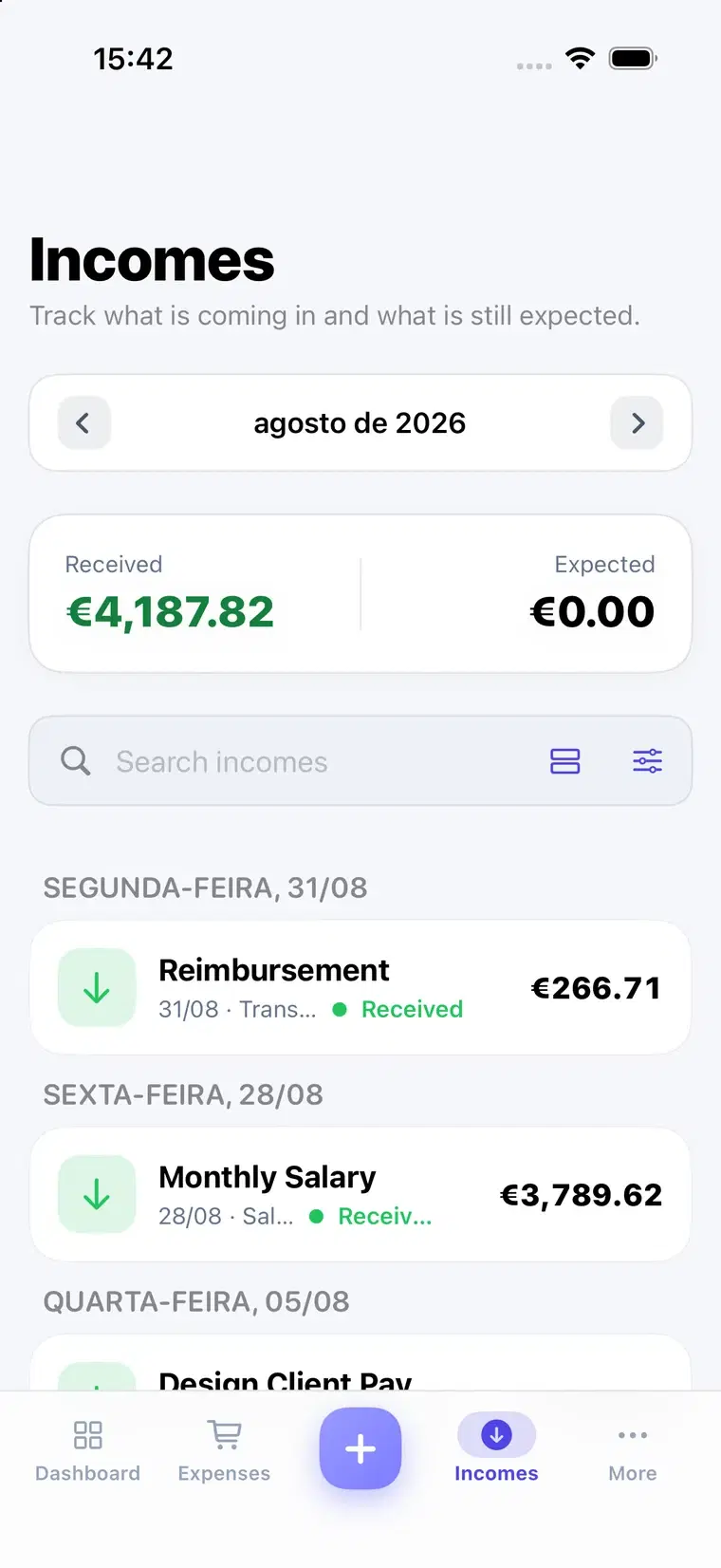
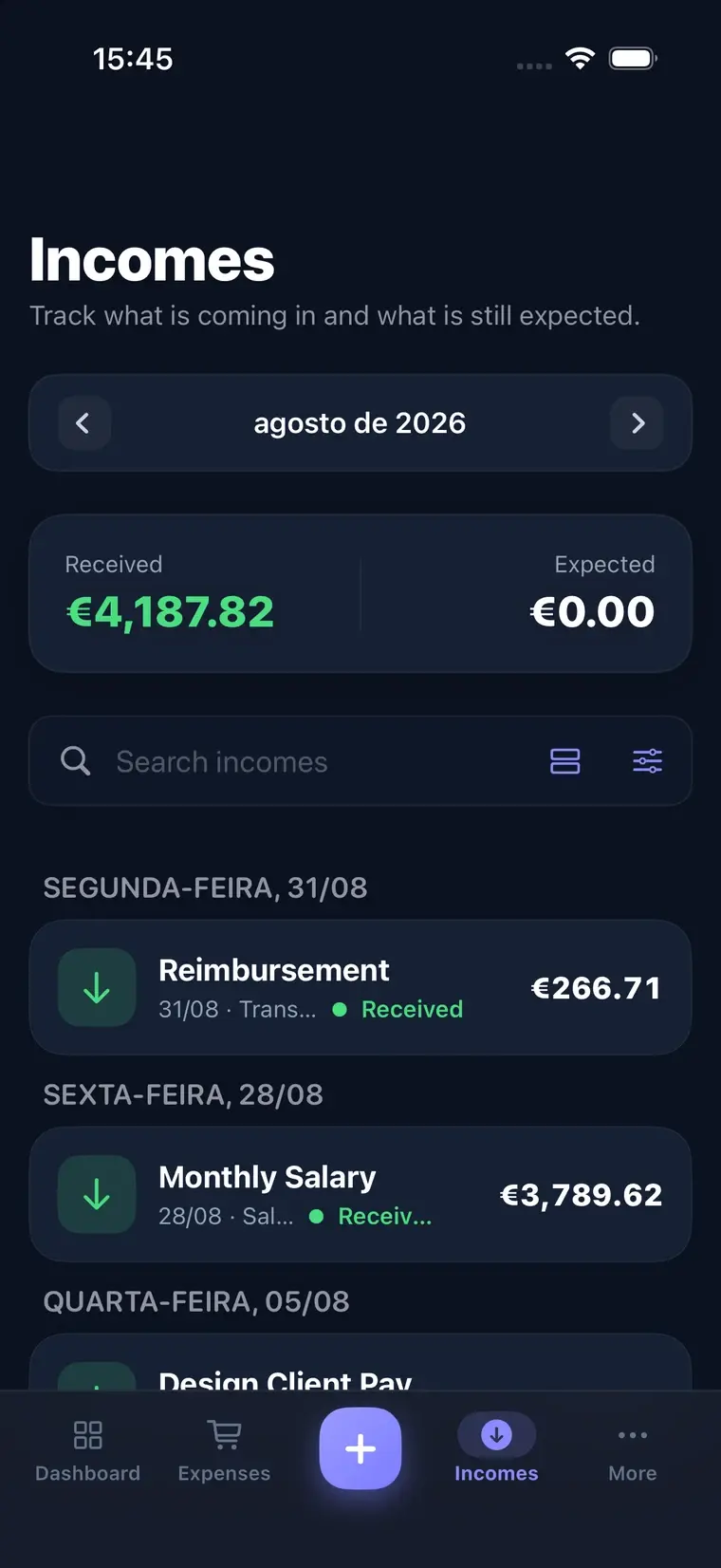
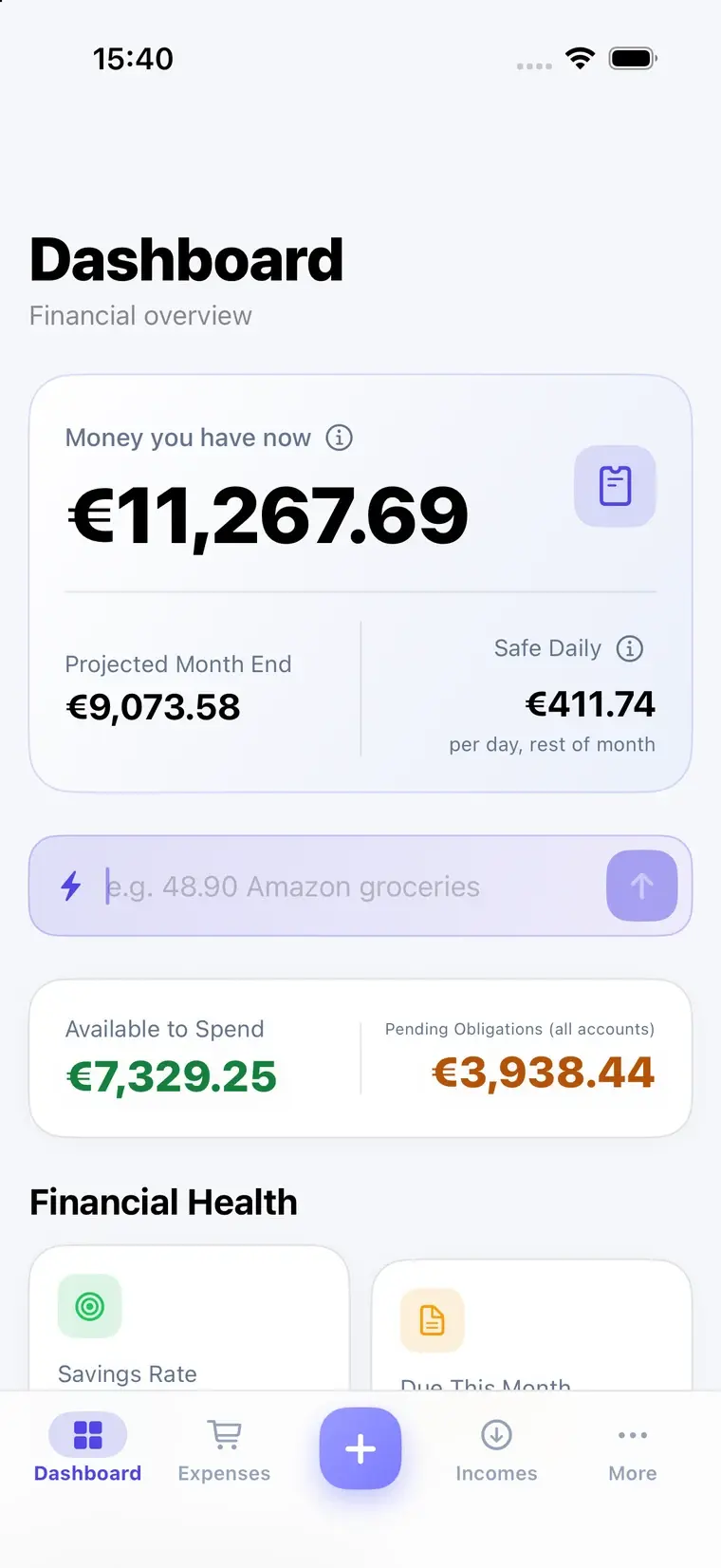
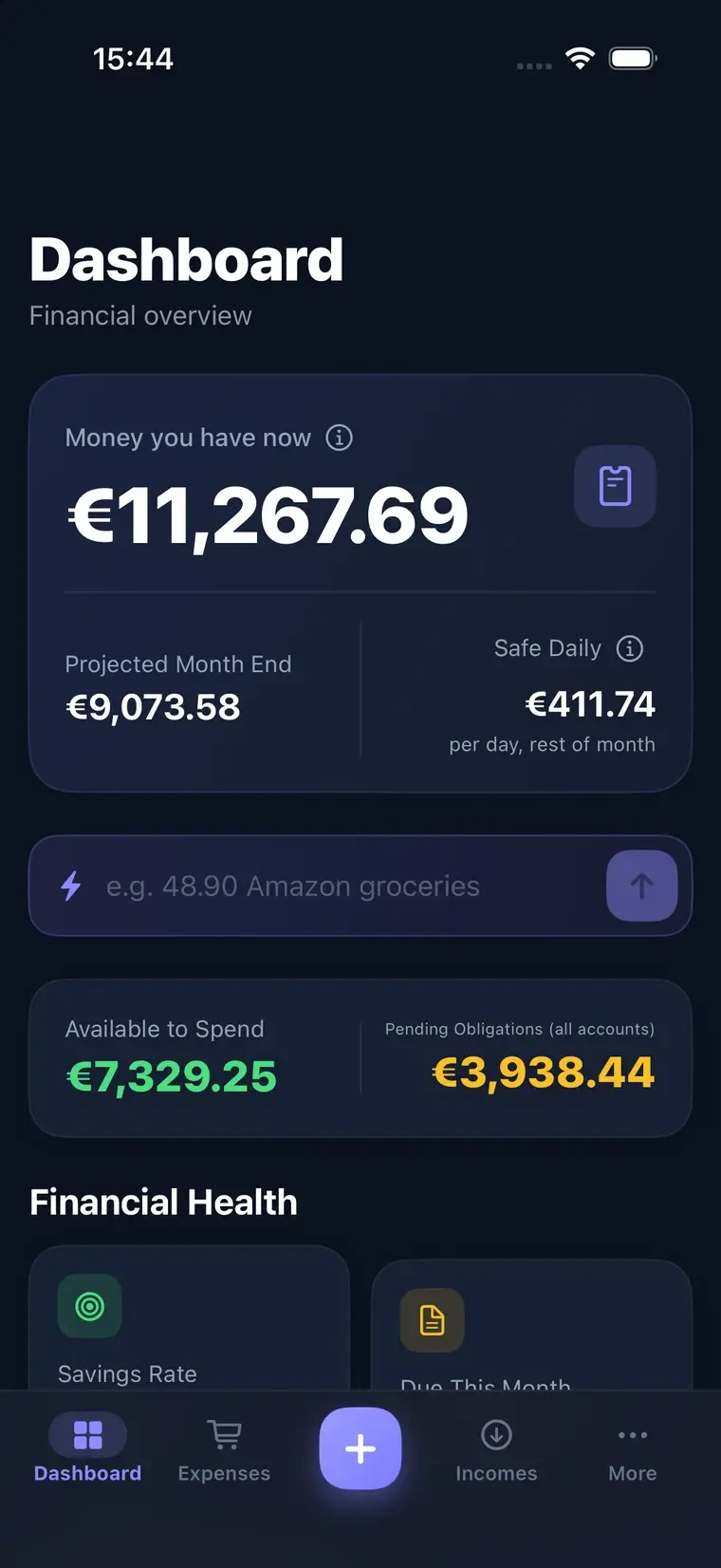
FinCampX tracks expenses, incomes, and percentage splits for couples who split costs unevenly — reconciled to what each account actually holds, not to a guess.

No app yet — join the list and we’ll email you the invite when it opens.

Rent, this month1150,00 €
You
Partner

You paid this one. At 60/40, partner owes you 460,00 € — your own share was 690,00 €.

Drag the line, or select it and use the arrow keys.

How much do I really have?

Every balance is anchored to a number you actually typed in — the one on your bank statement. Nothing drifts forever.

  • Reconcile any account, as often as you like. Open your banking app, type what it shows, and that becomes the anchor everything else builds on.
  • Only confirmed money counts. A bill marked paid but dated next month doesn’t touch today’s balance — it feeds your projection instead.
Your bank statement30,84 €
FinCampX says you have147,40 €

Who owes whom

A joint account is a pot you both fund — being behind is owed to the account, not to each other. Settle up whenever you like, for any amount.

  • One balance, on both phones. The joint account reads the same number for both of you, always.
  • Settle for any amount. Half, the full balance, or type your own — the rest just stays outstanding.
Your contributions to the joint pot€640.00
Partner’s contributions€510.00
Your agreed share of what it spent60%
Partner is ahead by€60.00

Built for the everyday, not just the spreadsheet

The parts you’ll actually touch every week.

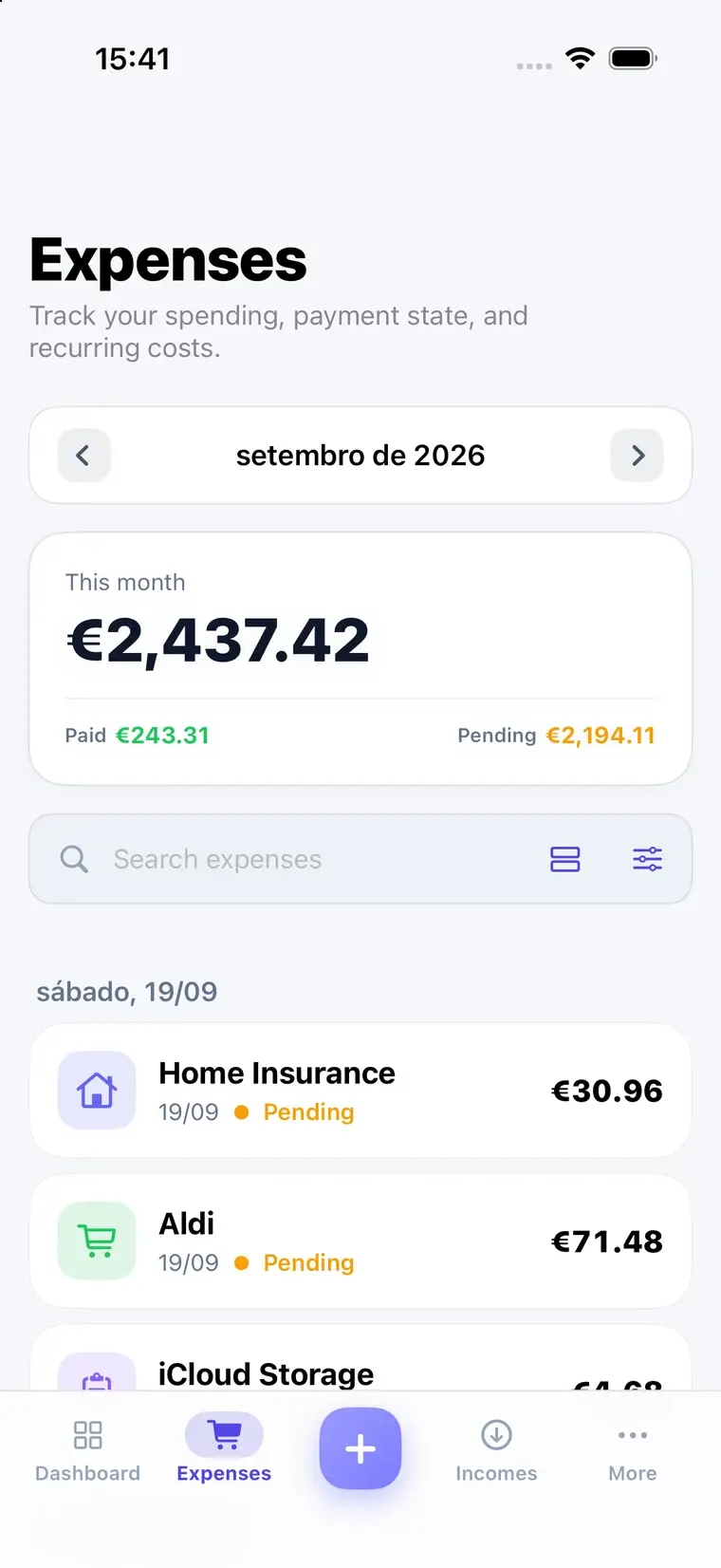
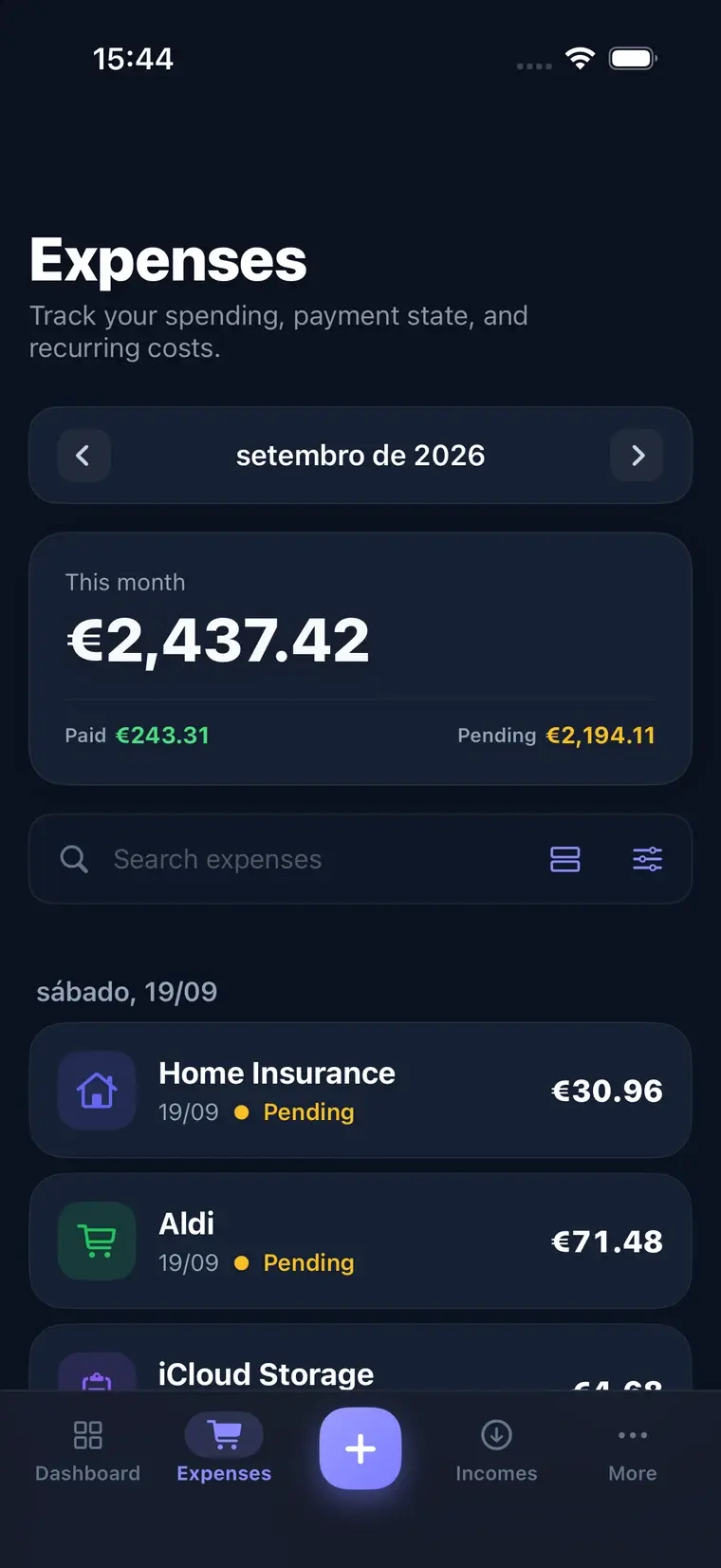
Log an expense in one line

Type “48.90 Amazon groceries” into quick add and it becomes a real transaction — amount, merchant, and a category guessed from what you’ve logged before.

Recurring bills, edited the way you’d expect

Change or delete a recurring expense and it asks: only this one, this and future occurrences, or all of them — the same choice Apple Calendar gives you.

Bills on your actual calendar

Calendar Sync puts recurring expenses on a personal or shared calendar through EventKit, so due dates show up without opening the app.

A Monday morning email

The Weekly Report summarizes what moved last week, by category, and what’s still pending — sent whether or not you opened the app.

Sign in with Apple, protected by Face ID

One tap to sign in, and Face ID to open the app after that. If you already have an account under the same email, it links automatically — never a duplicate.

Works alone, too

Nothing about sharing gets in the way until you actually link a partner — no settlements, no splits, no joint account cluttering a solo setup.

Your money stays yours

We built the thing we wanted to use ourselves — which meant refusing a few things most finance apps take for granted.

  • No bank credentials, ever. Balances are typed in and reconciled by hand — nothing connects to your bank.
  • No analytics, no ads, no tracking. This site and the app don’t run any.
  • The assistant uses your own API key. If you turn it on, requests go straight from your phone to the provider you chose — our servers never see them.
Bank credentials storedNone
Trackers on this siteZero
Your data, on requestExported or deleted

Questions

Why do I need an invite code?

FinCampX is launching gradually while we make sure it holds up under real use. Join the waitlist and we’ll email you an invite as spots open up.

Is there an Android version?

Not yet. FinCampX is iPhone-only for now.

What happens to my data if I delete my account?

Deleting your account from Settings removes your data immediately. If you have a linked partner, your shared expense history stays with them rather than disappearing from their side too — see Privacy.

Can one subscription cover both of us?

Yes — turn on Family Sharing in iOS Settings and your partner gets full access under the same subscription, no separate purchase.

Get the invite when it opens

One email, when it’s your turn. No spam before that.